Have a Question?
Home Icons
Adding Home Icons
-
Access ‘Manage website’ and navigate to ‘Your Meeting’ > Content > Home Icons
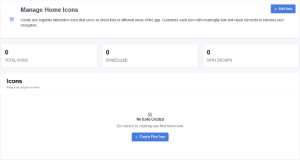
- Click +Add Icon
Rearranging Home Icons
- You can also change the order that the Icons appear on the home screen simply by clicking Icon and dragging it to the location you what it in.